The Power of QR Code Flyers for Local Businesses
Here’s a stat that might surprise you — over 86% of smartphone users scan a QR code at least once a year. That’s millions of people instantly connecting from paper to digital in seconds. At QuikPrint, we’ve seen this technology transform how local businesses in Oakville connect with customers. If you’re looking to print QR code flyers Oakville, you’re not just printing paper — you’re printing opportunity.
Let’s explore how you can use this tool effectively, and why printing your QR code flyers locally with QuikPrint is the smartest move you can make.
Why Print QR Code Flyers in Oakville?
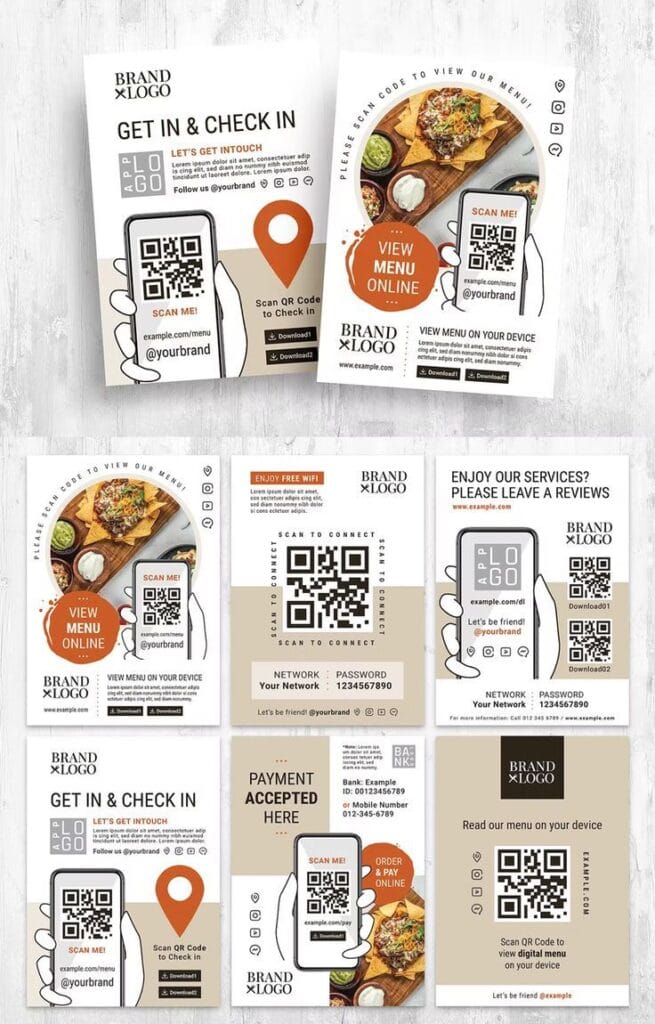
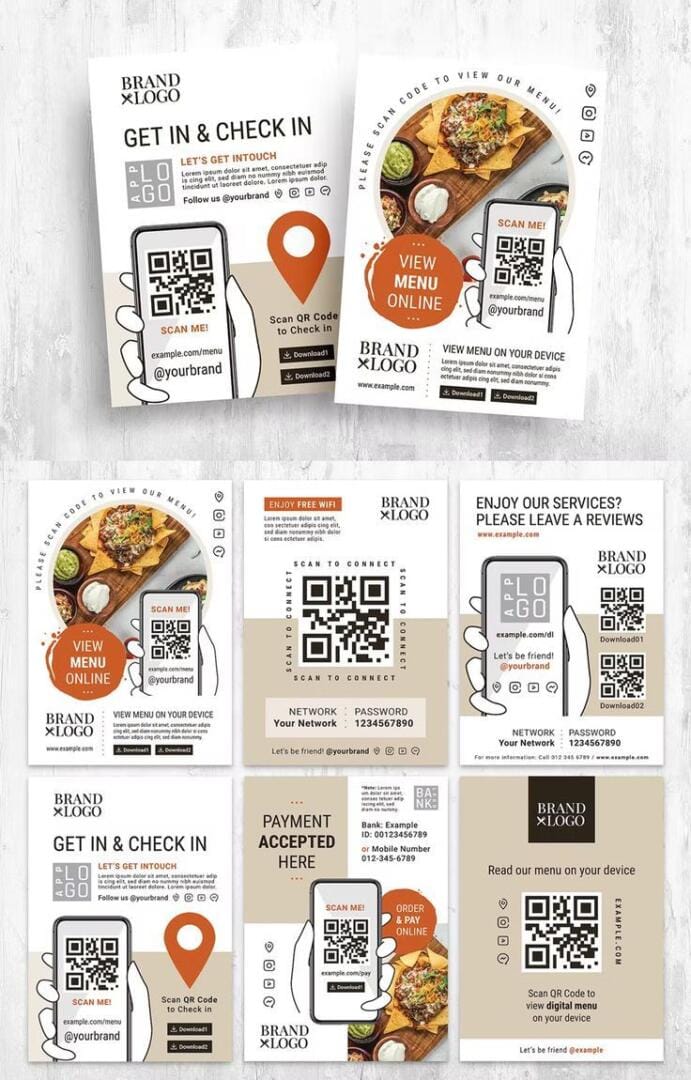
When you print QR code flyers Oakville, you’re bridging the gap between your physical and digital marketing. Imagine handing out a flyer that instantly opens your website, booking page, or menu — no typing, no searching, just scanning. That’s how you shorten the path from interest to action.
And printing locally means more than convenience. It’s about quality, turnaround time, and supporting local businesses that understand your market. At QuikPrint, we produce high-quality flyers that are crisp, vibrant, and scannable — because nothing kills a QR campaign faster than a fuzzy code that won’t read.
How to Design an Effective QR Code Flyer
The key to success when you print QR code flyers Oakville is balance — between eye-catching design and scan-friendly simplicity. Here’s what we recommend:
1. Keep the QR Code Prominent
Place your QR code in a clean area with high contrast. Avoid busy backgrounds or too many colors near the code.
2. Offer a Clear Call to Action
Tell people what they’ll get when they scan. “Scan for 10% off,” “See the menu,” or “Book your appointment” works far better than a silent square.
3. Test Before You Print
We always test QR codes before printing — and you should too. Scan from different phones and lighting conditions to ensure reliability.
4. Choose the Right Paper
Heavier cardstock or gloss finish can enhance the professional look of your flyers and protect the QR from smudging or bending.
Best Tools to Create QR Code Flyers
You don’t have to be a graphic designer to make beautiful QR code flyers. These tools make it easy to design, customize, and download print-ready files that QuikPrint can bring to life.
1. Canva
Canva is the go-to platform for small businesses and startups. It offers thousands of flyer templates and an integrated QR code generator — just go to Elements → QR Code, paste your link, and it creates one automatically. You can drag, resize, and style your QR code in minutes.
2. Adobe Express (formerly Spark)
Adobe Express provides professional-grade templates and easy customization options. It’s perfect for brand consistency — you can add your logo, brand colors, and custom fonts to match your business identity.
3. VistaCreate (formerly Crello)
VistaCreate is similar to Canva but offers advanced animation and layout tools. It’s a good choice if you want a flyer that looks premium and balanced between text and visuals.
4. PosterMyWall
PosterMyWall is quick and beginner-friendly. You can upload your QR code image and choose from templates made specifically for promotions, events, or local advertising.
5. QR Code Monkey & QRStuff
Before you add your QR code to any design, you need a clean, trackable code. These free tools let you create dynamic QR codes — meaning you can update the destination URL later without reprinting your flyers. That’s huge for campaigns that evolve over time.
Once your design is ready, upload your high-resolution file to QuikPrint. We’ll print your QR code flyers Oakville on premium paper with vibrant color accuracy and fast turnaround.
Local Examples: How Oakville Businesses Are Using QR Flyers
We’ve helped restaurants link to digital menus, real estate agents share property listings, and fitness studios direct people to online sign-ups. When local businesses print QR code flyers Oakville, they’re creating touchpoints that blend offline charm with online efficiency. One real estate agent even reported a 30% increase in lead engagement after switching to QR code flyers for open houses!
Why Choose QuikPrint
At QuikPrint, we handle everything from design to print, ensuring your flyers look sharp and professional. We use high-resolution printing equipment and offer quick turnarounds — often within the same day for Oakville clients. Our team also helps optimize QR placement and size so every scan works flawlessly.
Whether you need 50 or 5,000 copies, we can print QR code flyers Oakville for any campaign — business promotions, events, fundraisers, or product launches.